 Cost AI: Construction Estimate
Price the job on site.Get it signed today.
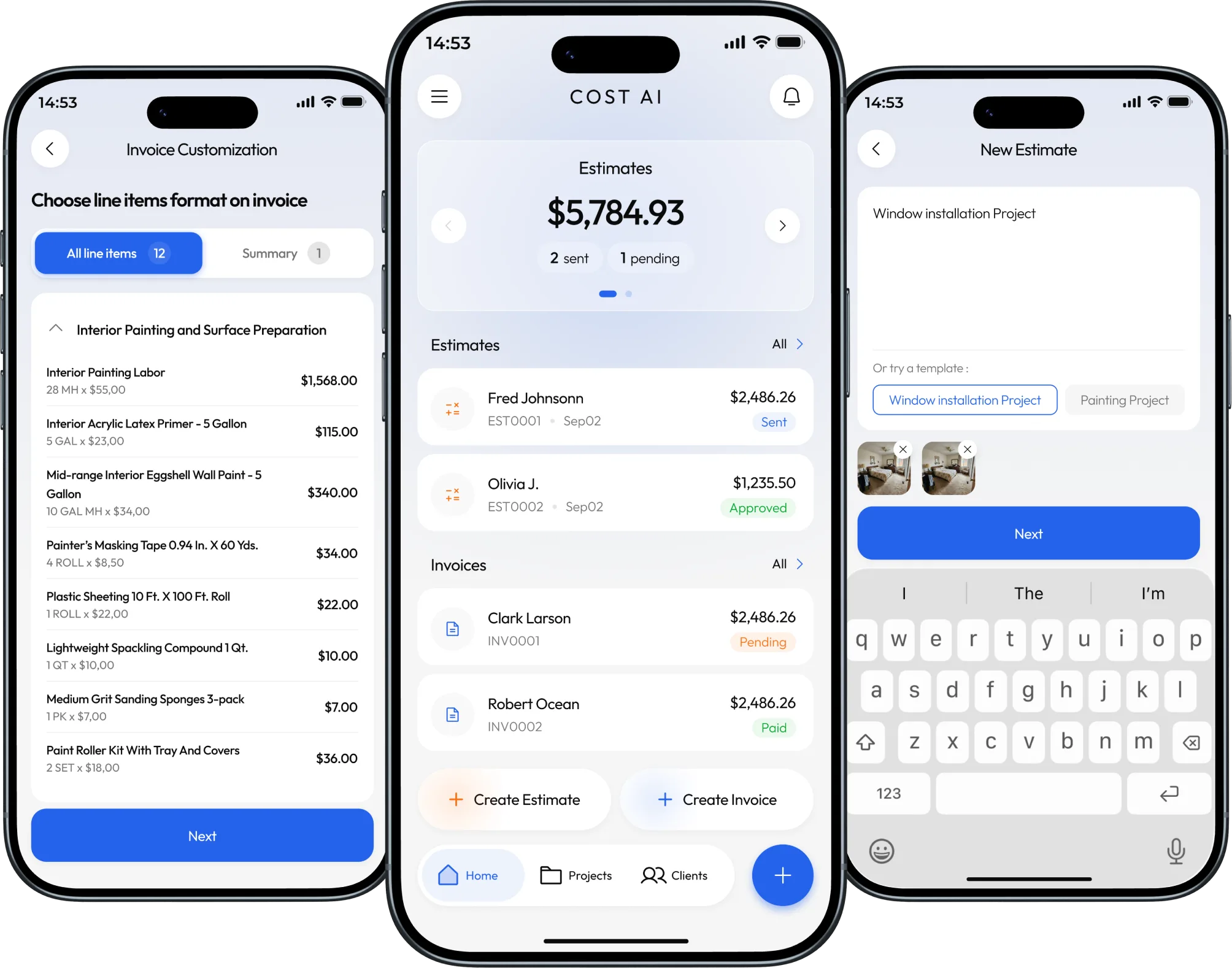
No more typing estimates at night. Take a few photos and answer a few questions. Cost AI: Construction Estimate writes the estimate for you, with labor, materials and scope. Your client signs it on their phone.
Free to download. Your first 3 estimates are free.
Made for your trade
Trusted by 2,000+ contractors. If you can photograph the job, you can price it.
 Handyman
 HVAC
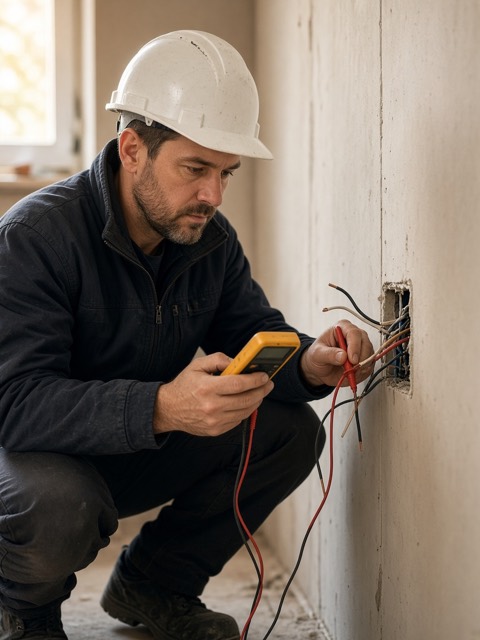 Electrical
 Plumbing
 Landscaping
- Carpentry
- Construction
- Concrete
- Roofing
- Lawn care
- Electrical
- HVAC
- Plumbing
- Handyman
- Cleaning
- Flooring
- Painting
Don’t see yours? It works for any job you can describe.
Get your evenings back
You drive out, measure everything, spend the night pricing it, and then they go quiet. Sound familiar?
The old way
- Spending your nights pricing jobs you might not even win
- Sending the quote days later, after they’ve called three other guys
- Missing something in the scope and eating the cost
- Getting ghosted with no idea if they even opened it
- Watching your detailed breakdown get handed to the cheaper guy
- Waiting weeks for a check after the job is done
With Cost AI: Construction Estimate
- Price it on site from a few photos, done before you leave
- Send the estimate from the driveway, while you’re still first
- The app asks the questions a good estimator would, so less gets missed
- Get a notification when they open it, and answer their questions on the estimate
- Show just the total, grouped costs or every line item. Your call.
- Turn it into an invoice in one step and take the deposit by card
From site visit to signed in 3 steps

- 1
Take a few photos
Snap the job and describe it in your own words. The app asks the questions a good estimator would ask.
- 2
Check the price
Labor, materials and markup come back as line items, with the scope written in plain language. Change anything.
- 3
Send it and get paid
Your client opens the link and signs. Turn it into an invoice and they pay the deposit by card.
Free to download. Your first 3 estimates are free.
Everything between the visit and the payment
Go from site photos to a priced, written estimate before you walk back to the truck.
Priced before you leave the job
Add photos or blueprints, describe the job, and answer a few questions. You get labor, materials and markup as line items you can edit.
Change it with one sentence
Type “swap to vinyl plank and drop the baseboards.” Check the new scope and prices, then apply them.
Show them the finished job
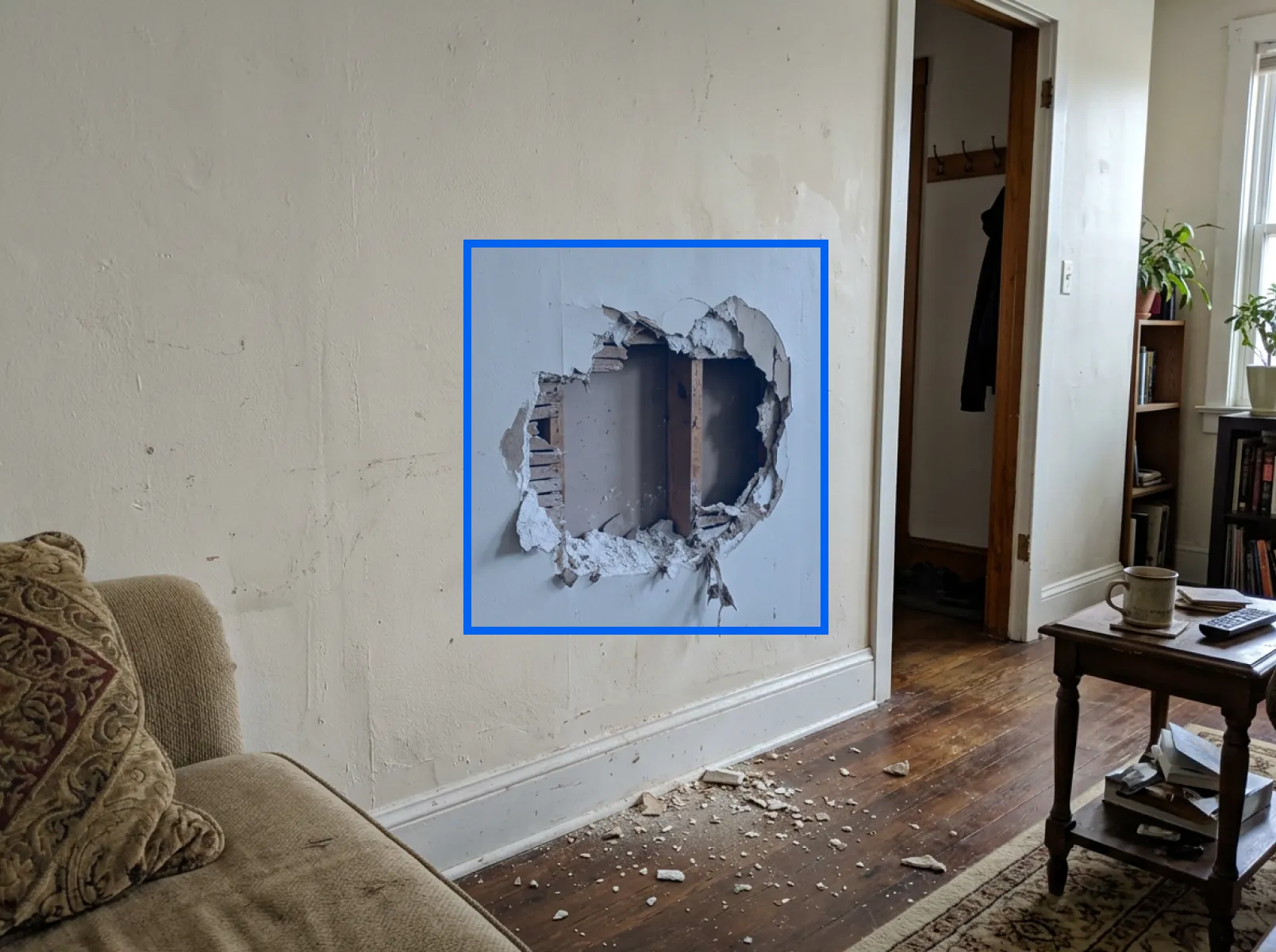
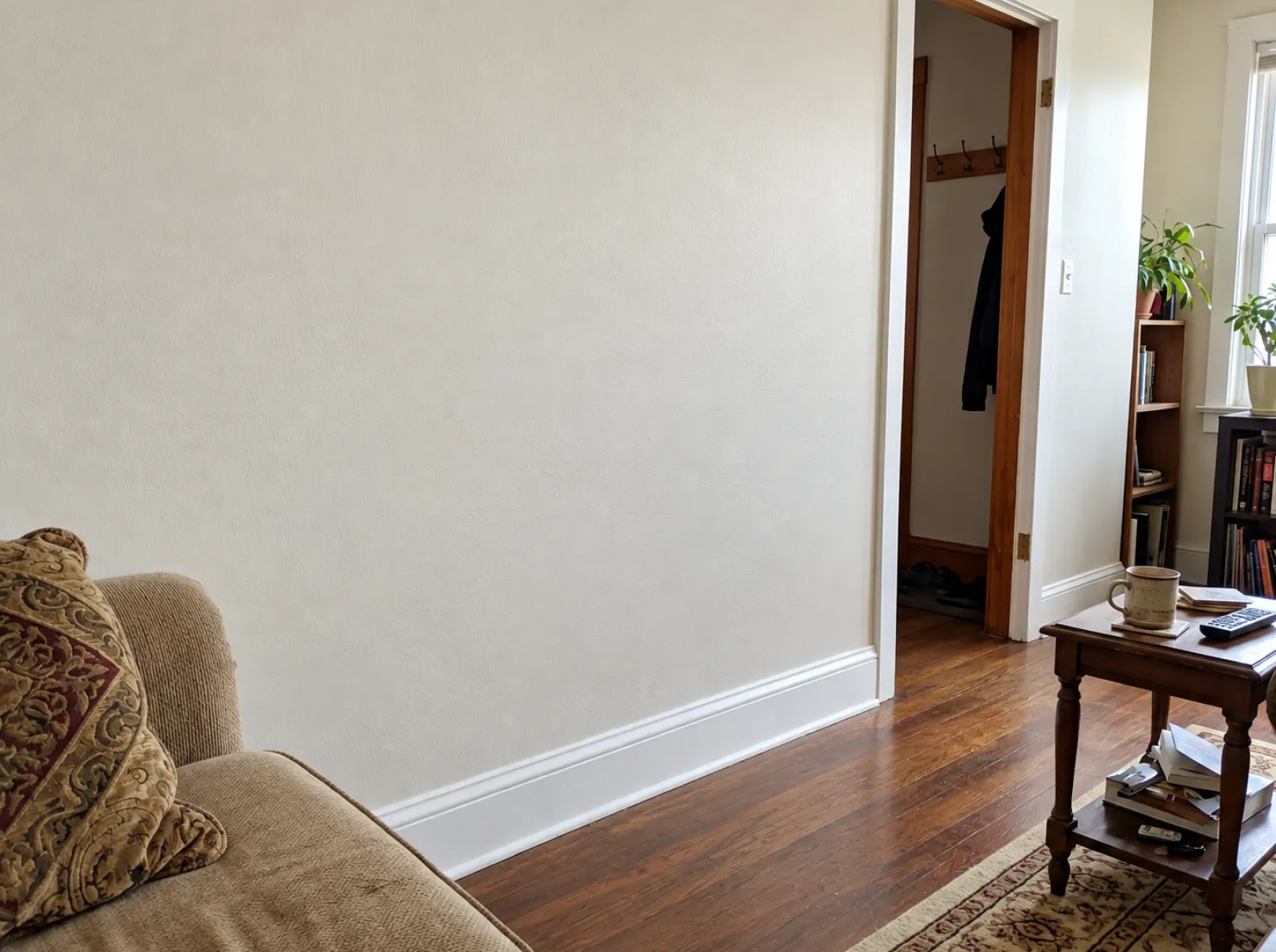
Mark the part of a site photo that changes and get a picture of the finished work. Add it to the estimate.
Show the work before you do it
Point at a site photo, mask the part that changes, and get back a picture of the finished job. Refine it until it matches what you pitched, then attach it to the estimate so your client is buying something they can see.
Contractors close more jobs with Cost AI: Construction Estimate
- contractors sending estimates
- 2,000+
- contractors sending estimates
- in work quoted
- $40M+
- in work quoted
- average App Store rating
- 4.8
- average App Store rating
“I used to write estimates at the kitchen table after dinner. Now I take a few photos, answer the questions, and the client has it before I pull out of their driveway.”
“Clients sign right on their phone. When they ask for a change I see it straight away, fix the line item, and resend the same link.”
“The render sells the job. People want to see the new deck before they pay a deposit, and now they can.”
Free to download. Your first 3 estimates are free.
Questions, answered
How much does it cost?
Cost AI: Construction Estimate is free to download, and your first 3 estimates are free. Upgrade in the app when you need more. Plans are billed through the App Store or Google Play, so you can cancel anytime from your account.
Will it work for my trade?
It’s built for remodeling, roofing, painting, decks, flooring, landscaping and any other job you can photograph and describe.
Can I stop clients from shopping my breakdown around?
Yes. For each estimate, choose what your client sees: just the total, costs grouped into labor and materials, item names only, or every line item with its price.
Does my client need the app to see an estimate?
No. You send a link, and it opens in any browser. They can read the breakdown, sign it, request changes or ask a question without downloading anything or creating an account.
Can I turn an estimate into an invoice?
Yes. An approved estimate converts to an invoice with the line items, dates and client carried over, so you only price the job once.
How do I take payment?
Connect Stripe to take card payments on the invoice page. You can also list the ways you already get paid — cash, check, ACH, Zelle, Venmo, PayPal or Square — and they show up on the invoice.
Can I take a deposit instead of the full amount?
Yes. Set a deposit as an amount or a percentage, or split the total into a payment schedule. Card payments mark themselves paid and the balance updates on its own.
What are AI renders?
Point at a site photo, mask the part of it that changes, and get back an image of the finished work. Refine it until it matches your pitch, then attach it to the estimate.
Your next estimate could be signed today
Download Cost AI: Construction Estimate and send your first estimate from the driveway.
Free to download. Your first 3 estimates are free. Cancel anytime in your App Store or Google Play account.